Teams
Create and manage a team
A team is the shared account boundary for people, environments, wallets, and infrastructure resources in the Voltage dashboard. You can work alone in a team or invite other members.
- From the team list, select New Team.
- Enter a descriptive team name and optionally add a team image.
- Create an environment for staging or production work.
- From the team overview, use Edit Team Info to change the name or avatar.
- Use Manage Users to invite, update, or remove team members.
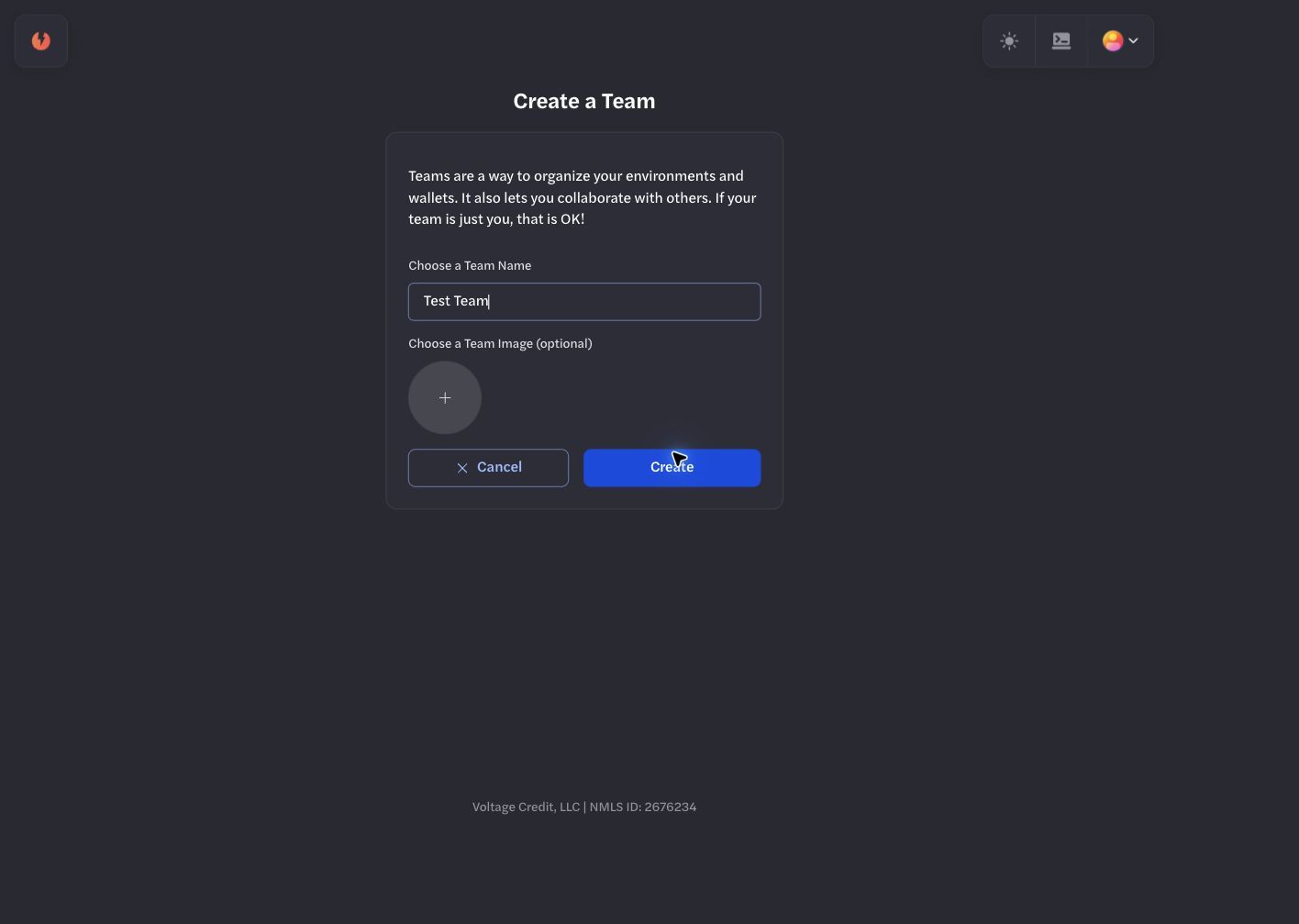
Use a neutral, non-customer team name for isolated development work.
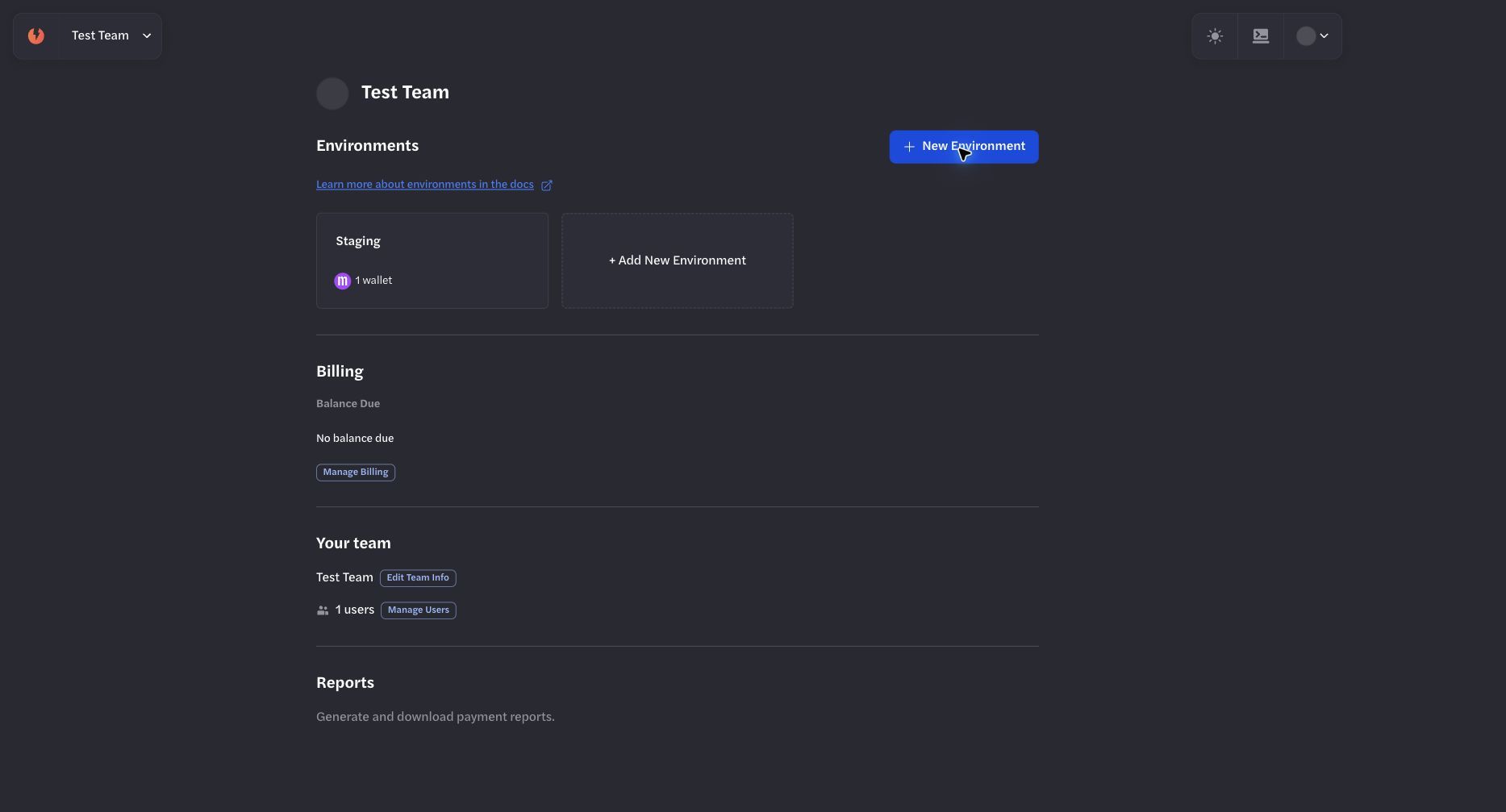
The team overview is the entry point for environments, billing, users, and reports.
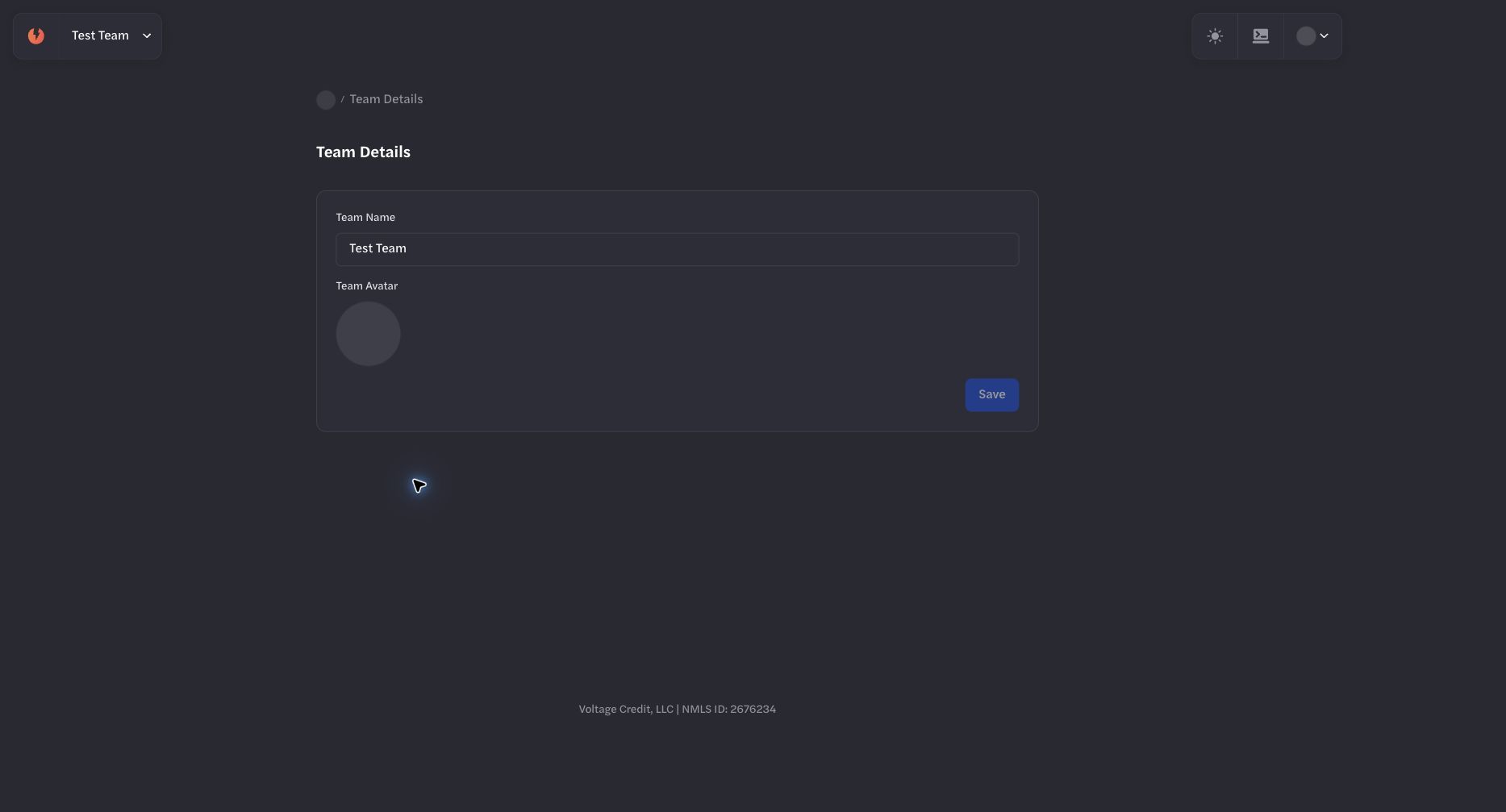
Use Edit Team Info to maintain the team name and image.
Use a neutral team name for development and keep customer or production resources in their intended team.
Invite team members
The invitation form requires an email address and at least one permission. Review every permission before continuing and grant only the access needed for the person's role.
For the maintained permission definitions and product-specific access boundaries, see PermissionsPermissions and Access ModelAccess Model.
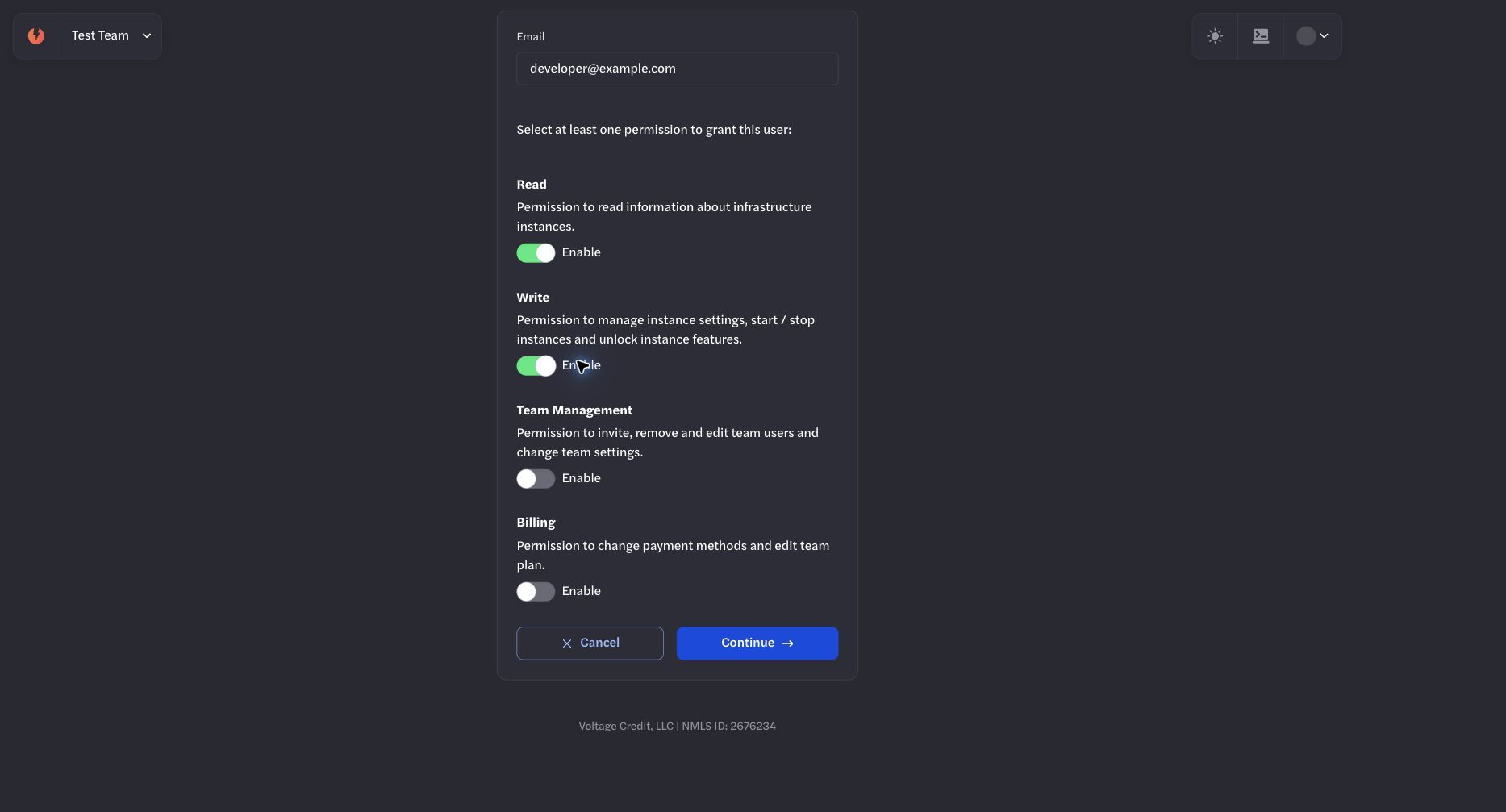
Select only the permissions required for the invited person's role.
Team administration
From the team overview you can open environments, review billing state, edit team information, manage users, and generate reports. Team permissions do not replace environment-scoped Payments API keys, Infrastructure API keys, node passwords, or LND macaroons.