Wallet Deep Linking
When you display a Lightning invoice in your application, you can offer a Pay with Cash App link so customers can open the invoice in Cash App.
Voltage's Checkout (Beta)hosted checkout already handles this for you. If you build your own payment interface, you can create the same link using a Lightning invoice generated by Voltage. Hosted checkout is not required.
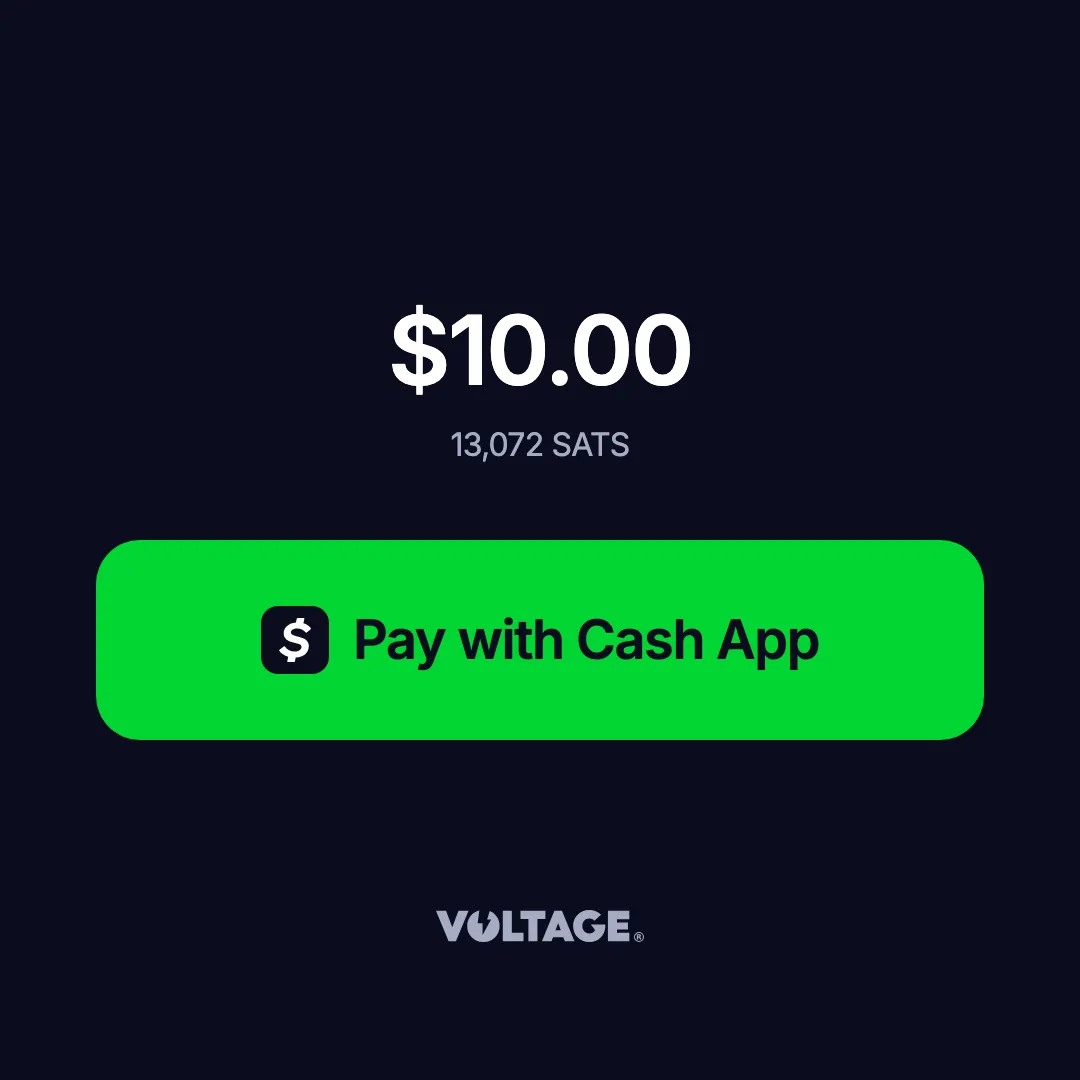
Cash App link format
Use this URL format:
https://cash.app/launch/lightning/{bolt11Invoice}Replace {bolt11Invoice} with the complete BOLT11 invoice string from Voltage. Use the invoice itself, without a lightning: prefix or the surrounding braces.
Add the link to your application
- Generate a Lightning invoice using a mainnet Voltage wallet. See ReceivingReceiving for the invoice creation flow.
- Append the complete invoice to https://cash.app/launch/lightning/.
- Use the resulting URL for a Pay with Cash App link in your payment interface.
For example, once your application has the invoice:
function createCashAppLink(bolt11Invoice) {
  return `https://cash.app/launch/lightning/${bolt11Invoice}`;
}

// bolt11Invoice is the complete mainnet invoice generated by Voltage.
const link = document.createElement("a");
link.href = createCashAppLink(bolt11Invoice);
link.textContent = "Pay with Cash App";
document.body.appendChild(link);
Keep the invoice and its QR code available for customers who want to pay with another Lightning wallet.
Testing: mainnet only
Cash App only supports mainnet. Mutinynet invoices cannot be paid through this link format.
To test the Cash App payment flow, generate an invoice using a mainnet Voltage wallet and pay it with Cash App. Mainnet payments use real bitcoin, including when you are testing your application.
Confirm payment
Opening the link does not mean the invoice has been paid. Verify completion on your server through the Voltage API or WebhooksWebhooks before marking an order as paid or delivering a product.